


Google Business Profile Optimisation: How to Rank in the Map Pack in Kanpur (Step by Step)
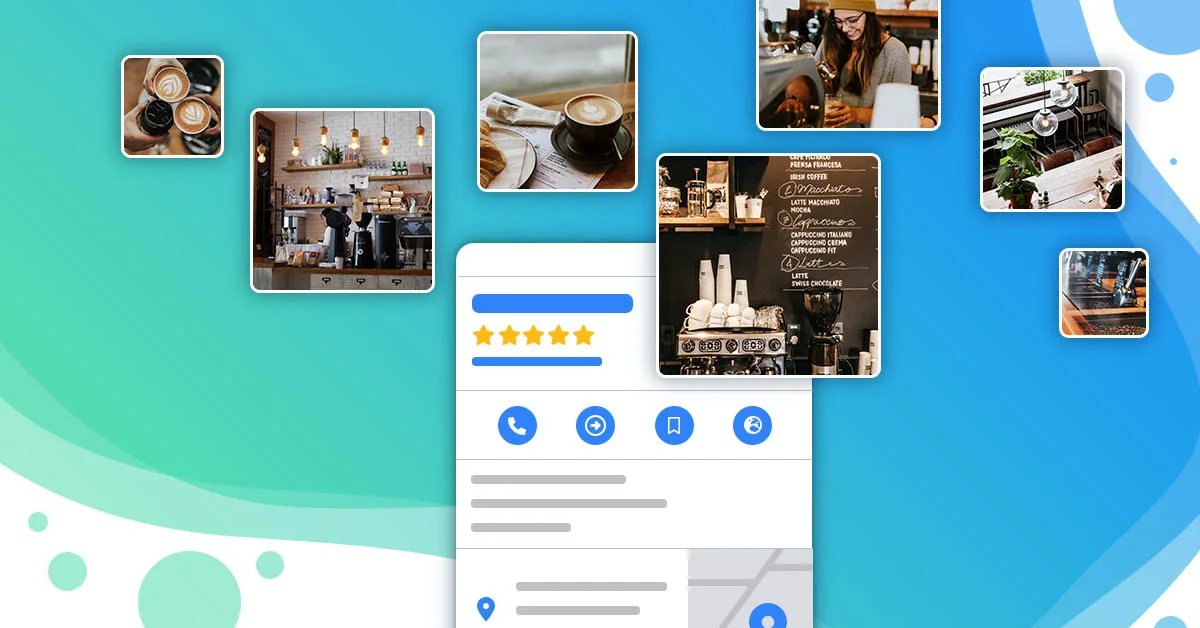
When someone in Kanpur searches "dentist near me", "best salon in Swaroop Nagar" or "photographer in Kanpur", Google usually shows a map with three businesses before any website. This is called the map pack, and it is where many local customers decide whom to call.
Your Google Business Profile (earlier called Google My Business) is what decides whether you appear there. The good news: most businesses in Kanpur have only half-filled their profile, so doing it properly gives you a real advantage.
How Google decides who shows up
Google says local results are based mainly on three things:
- Relevance: how well your profile matches what the person searched for.
- Distance: how close you are to the searcher or the area in the search.
- Prominence: how well known and trusted your business is, including reviews and your presence across the web.
You cannot change your distance, but you can strongly improve relevance and prominence. That is what the steps below do.
Step 1: Claim and verify your profile
Search your business name on Google Maps. If a profile exists, claim it; if not, create one at business.google.com. Complete Google's verification so you can manage it. Make sure only you, or people you trust, have owner access.
Step 2: Get the basics exactly right
- Business name: your real name as on your signboard. Do not add keywords like "Best Salon Kanpur" to the name; that goes against Google's guidelines and can get the profile suspended.
- Address and pin: check the map pin is on your exact entrance.
- Phone and website: use the same phone number and address everywhere online: your website, Facebook, Instagram and directories.
- Hours: keep them accurate, including holiday hours.
Step 3: Choose the right categories
Your primary category is one of the strongest signals for relevance. Pick the most specific one that describes your main service, for example "Dental clinic" rather than just "Clinic". Then add a few secondary categories for other genuine services.
Step 4: Fill in services, products and description
- List every main service with a short, clear description.
- Write a business description in natural language: what you do, who you serve and which areas of Kanpur you cover.
- Add attributes that apply, such as wheelchair access or online appointments.
Step 5: Add real photos and keep adding them
Profiles with real, recent photos look more trustworthy and tend to get more calls and direction requests. Add:
- The outside of your shop or clinic, so people recognise it
- The inside, your team and your work
- A clear logo and cover photo
Add a few new photos every month instead of 50 on one day.
Step 6: Build genuine reviews
- Ask every happy customer for a review, with a direct review link sent on WhatsApp.
- Reply to every review, good or bad, politely and within a few days.
- Never buy reviews or offer discounts in exchange for them. Google does not allow incentivised or fake reviews and can remove them, or restrict your profile.
Step 7: Post updates regularly
Use the updates feature for offers, events, new services and festival greetings. Regular updates show Google and customers that the business is active.
Step 8: Track what the profile brings
The profile's performance section shows searches, calls, website clicks and direction requests. Add a tracking tag to your website link, so you can see those visits separately in Google Analytics.
Common mistakes we see in Kanpur
- Two or three duplicate profiles for the same business
- Old phone numbers, or a personal number nobody answers
- Wrong primary category
- No replies to reviews, especially negative ones
- Keyword-stuffed business names, which risk suspension
[Ankit: add one real before-and-after here, for example calls or direction requests before and after optimising a client's profile, with permission.]
Frequently asked questions
How long does it take to rank higher on Maps?
Basic fixes can show results within weeks, but strong positions are built over months of steady reviews, photos and updates.
Do I need a website for Google Maps?
You can have a profile without one, but a fast website with consistent details supports your relevance and prominence.
Can I rank in areas far from my address?
Distance matters a lot. For wider coverage, combine your profile with Google Ads and area pages on your website.
Next step
We set up and manage Google Business Profiles for businesses in Kanpur, Lucknow and Agra. See our Local SEO and Google Business Profile service, or ask for a free audit of your current profile. For paid growth on top of Maps, read our guide to performance marketing.